The Right Message. The Right Person. A Clearer Inbox.
Spend less time sorting and more time responding. Route incoming messages by sender and property group, and see when AI has already joined the conversation.
By LeadSimple Team
Automation & Workflows
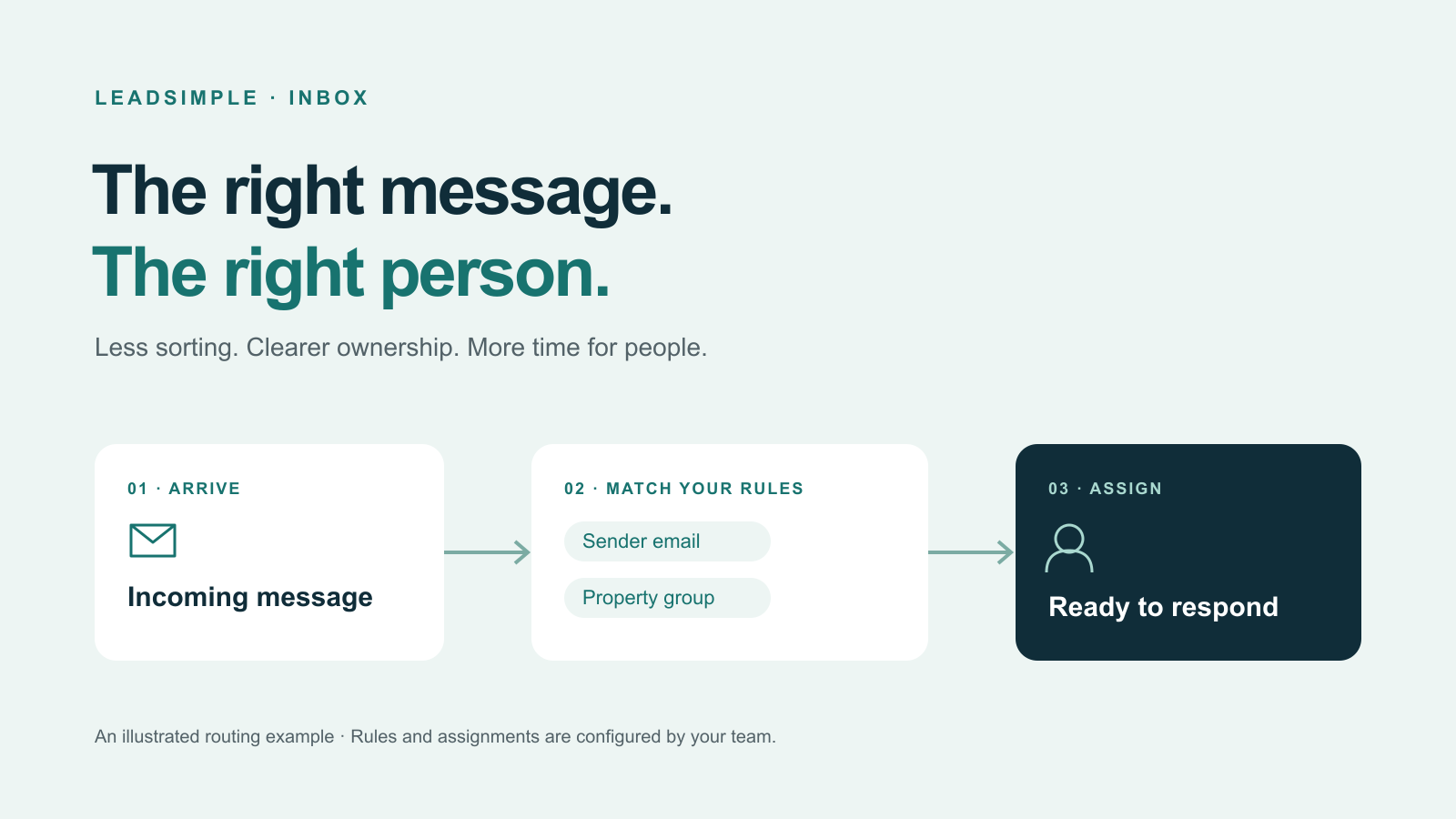
A vendor sends an update. An owner asks a question. A notification arrives from another system. Before anyone can help, someone has to decide where each message belongs. Multiply that small decision across a busy day, and your shared inbox becomes a sorting job.
The latest LeadSimple Inbox improvements help your team get past that first step: direct incoming messages to the people responsible for them, and make it clearer when AI has already sent a text. The goal is more time for the conversation itself.
Give recurring messages a clear destination
Auto Assignment Rules can match incoming messages by sender email address and property group. That gives you a practical way to route familiar traffic, such as vendor updates and third-party notifications, without asking someone to sort it by hand each time.
Start with a sender your team sees every day. For example, route notifications from a maintenance platform to the teammate who coordinates that work. The sender condition matches an exact email address, so use the address on the messages you actually receive.
Property groups give you another way to reflect how your business is organized. If different teammates handle different portfolios, a property-group rule can help direct conversations associated with that group to the appropriate people.
Choose the assignees who should receive matching conversations. With multiple people selected, assignments rotate among them. Agree on who owns the response before creating the rule; automation works best when it follows a responsibility your team already understands.
Know when AI has already spoken
A useful handoff starts with knowing what the customer has already heard. AI-sent SMS messages now carry an AI badge, making them easier to distinguish from texts sent by a person.
Before responding, read the recent exchange and check which messages came from AI. Your next reply can then build on the conversation instead of repeating a question or making the customer explain everything again. The badge identifies how the text was sent; your team still needs to understand the request and decide what comes next.
Keep the conversation together—and the work visible
Recent fixes also help assigned conversations stay open until a user resolves them and reduce cases where unrelated email threads are merged incorrectly. These are quiet improvements, but they support the same everyday need: a dependable view of what has been said and what still needs attention.
Start with one source of inbox noise
- Pick one recurring message source that regularly needs manual sorting.
- Choose the responsible teammate or group of assignees, then create an Auto Assignment Rule using the relevant sender or property group.
- Review a few new matching conversations with your team. Check that the assignment fits the work before expanding your rules.
- Make reviewing the recent exchange—including AI-labeled texts—part of every handoff.
The person on the other end of a message does not see your routing rules. They experience a team that knows the context and is ready to help. That is what a clearer Inbox should make easier.