Internal, team conversations in LeadSimple: Enter the @mentions feature!
Have you wished there was a way to have internal conversations about leads and processes inside LeadSimple? Good! With the new @mentions feature, there's no more need to switch to another system to talk to a teammate about the lead or process you're working on; talk about it inside LeadSimple!
By Matt Berkompas
Have you ever wanted to have internal conversations with your teammates about leads and processes *inside LeadSimple*? Last week, you had to copy the link to the lead/process, send it to your teammate(s) and use an entirely separate system to have that discussion, and on top of that none of it was recorded in LeadSimple.
This is all changing today! [enter @mentions feature]
Due to popular demand (this feature was #3 highest voted feature on our feedback board), you can now have internal conversations on leads, processes, and Inbox conversations by @mentioning other teammates in Notes.
Context is CRITICAL to providing a great customer experience. The @mentions feature brings more context from internal, team conversations about leads, processes and (soon) Inbox conversations into LeadSimple.
- @Mentions means fewer systems for you to switch between.
- @Mentions means more context on every lead, process, and Inbox conversation.
- More context means a better customer experience for your owners and tenants.
NOTE: This feature is only available on the Growth and Operations subscription plans. If you're on the Basic plan, upgrade at any time for @mentions, and so much more!
How to use @mentions
To use @mentions, simply:
1. Click the "Note" button on a lead, process, or inside an Inbox conversation,
2. Type @ and the name of the teammate you want to mention (or click @ in the toolbar)
3. Save the note.
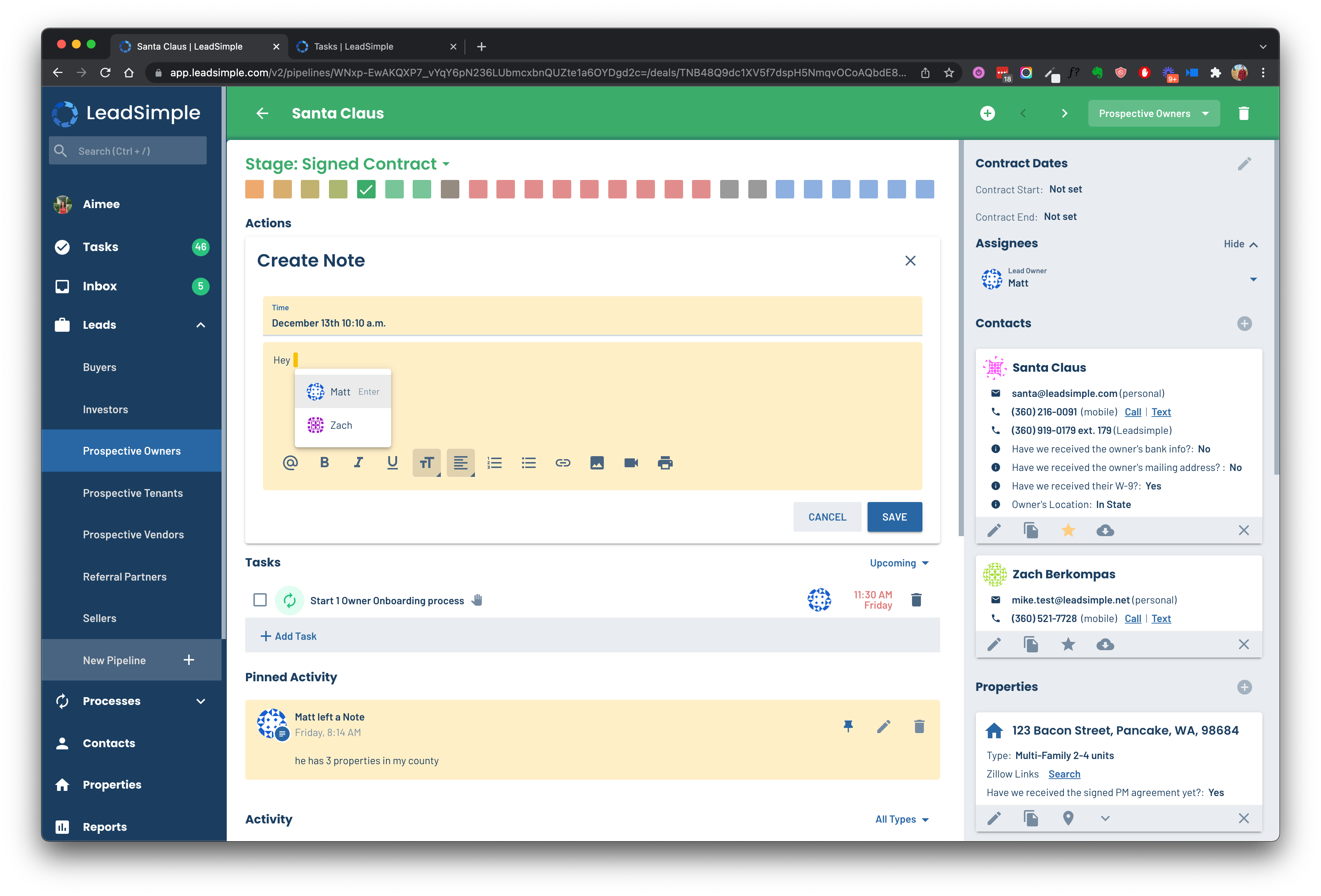
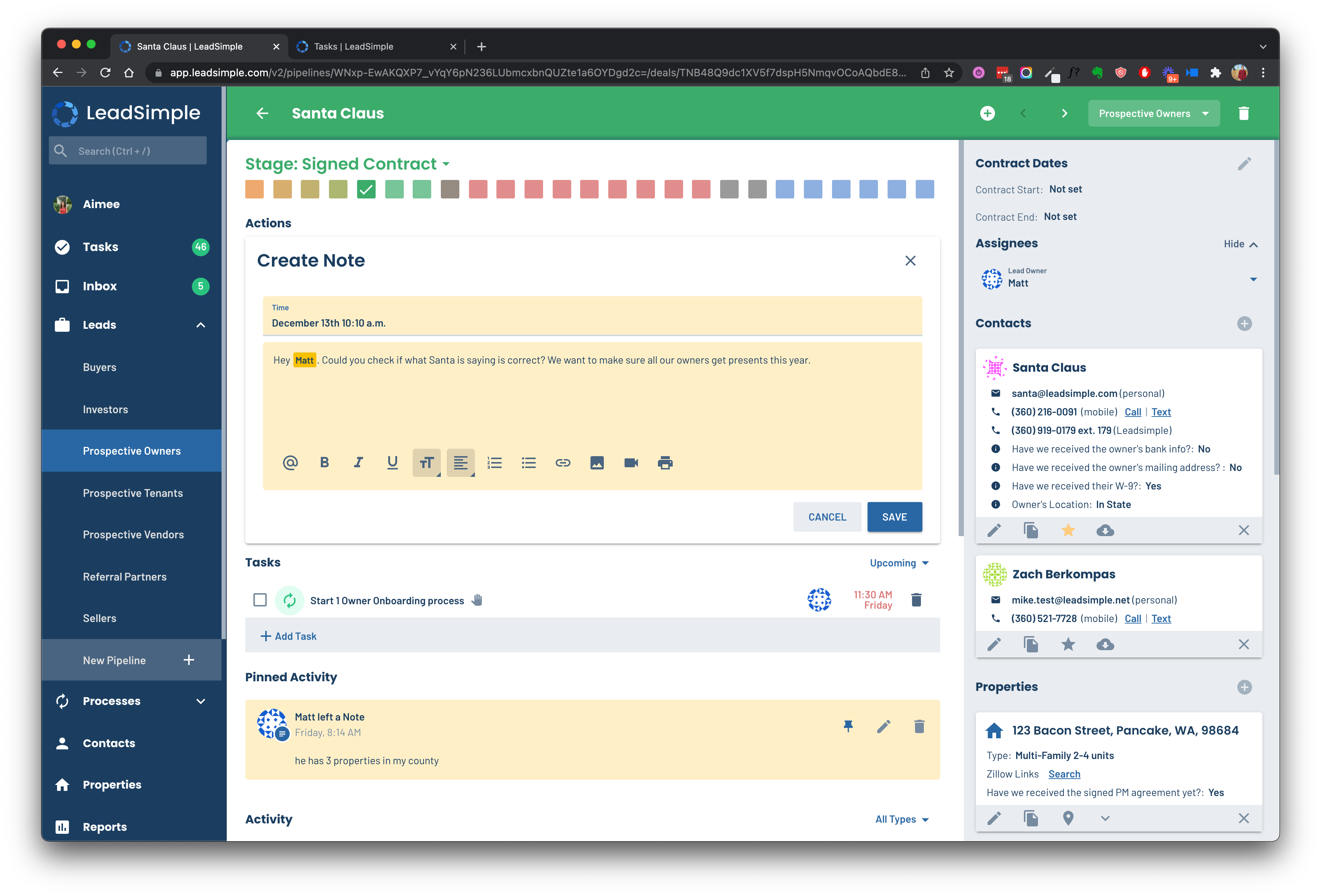
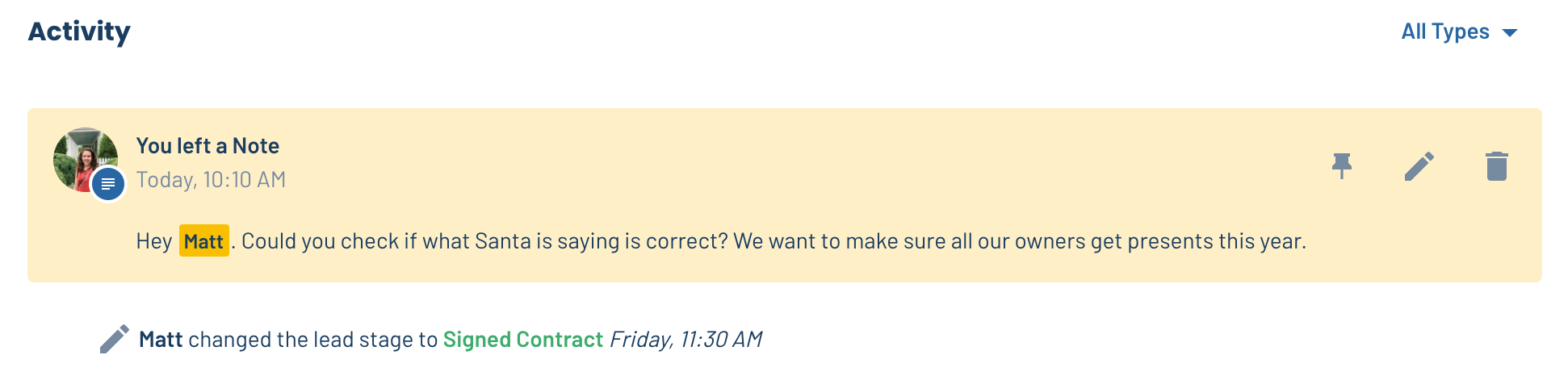
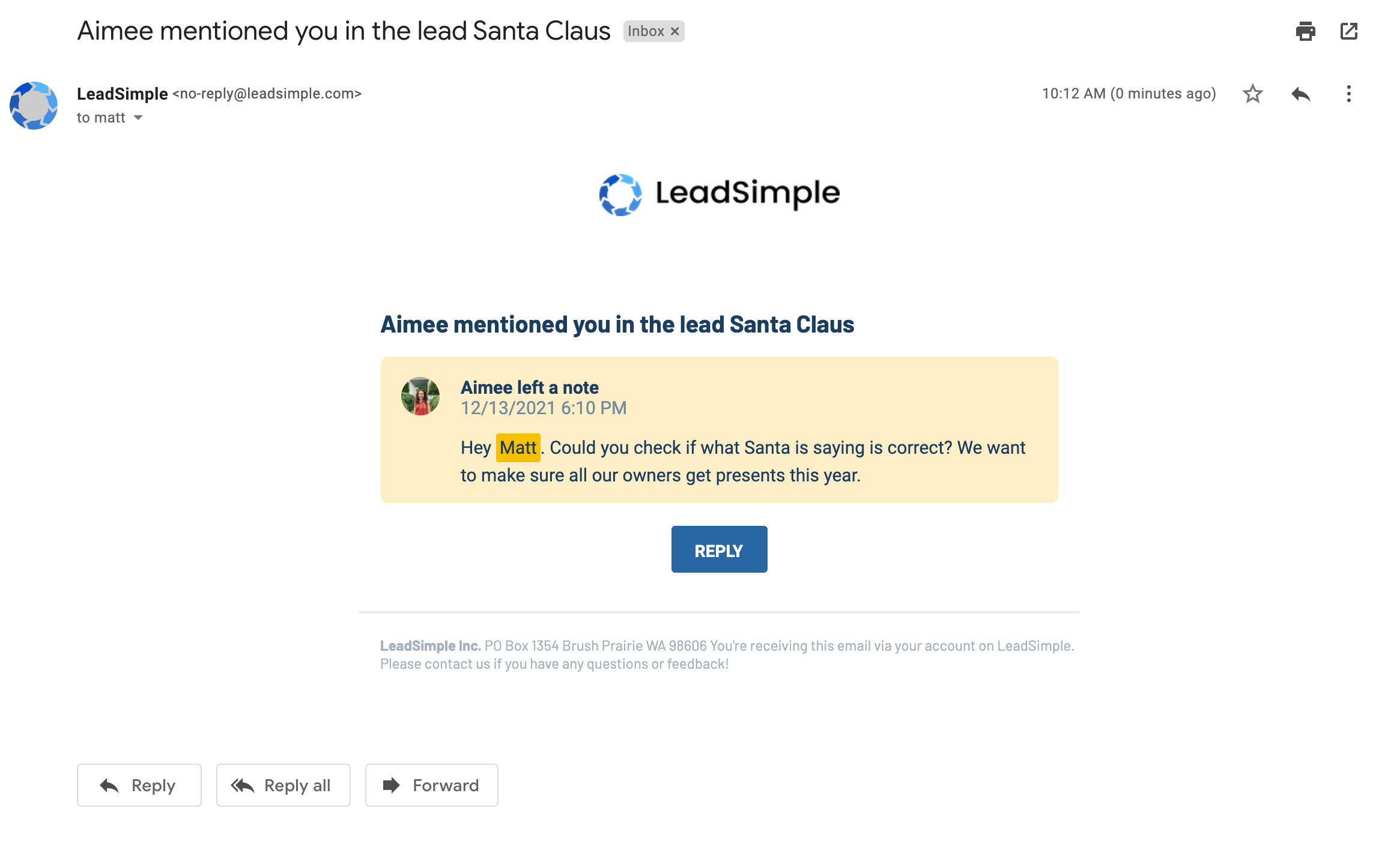
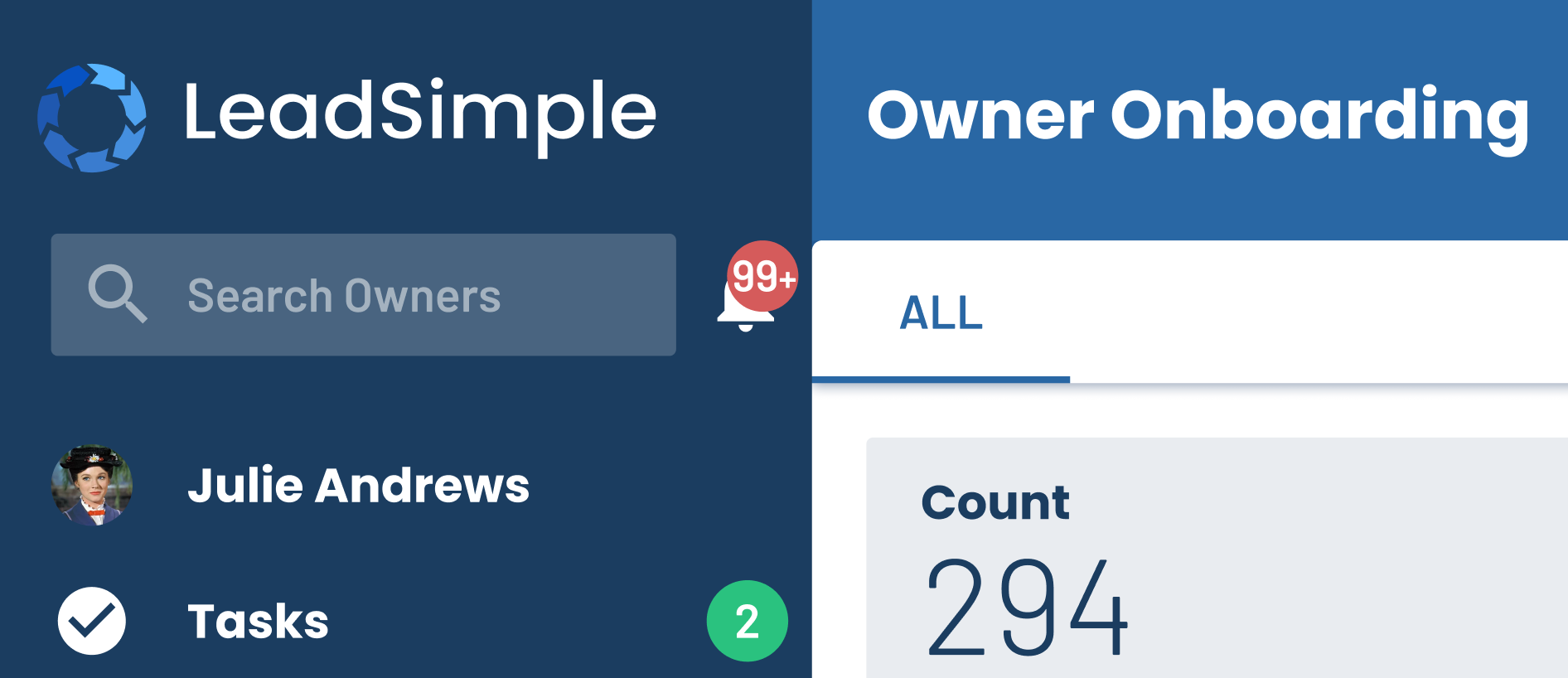
The @mentioned user gets an email notification and an alert in the ALL NEW alerts section, accessible by clicking the bell icon by the search bar:
Send us a chat message to let us know what you think, and enjoy!