Q2 2021 Product Highlight Reel
In this quarter, we focused on improvements to the processes and workflow modules including several new features to expand the automation capabilities of the software. We also kept up on bug fixes and usability improvements. Enjoy!
By Matt Berkompas
Here are some highlights of what we've been working on in the past 3 months!

Automatically change stages in a process
We added a "stage change" step option to lead and process workflows. Now you can automatically change the stage of a process based on conditional logic, or specify the exact stage you want your team to move the process to at any point. This opens up tons of automation possibilities for your processes!

Require your team to enter data in a process
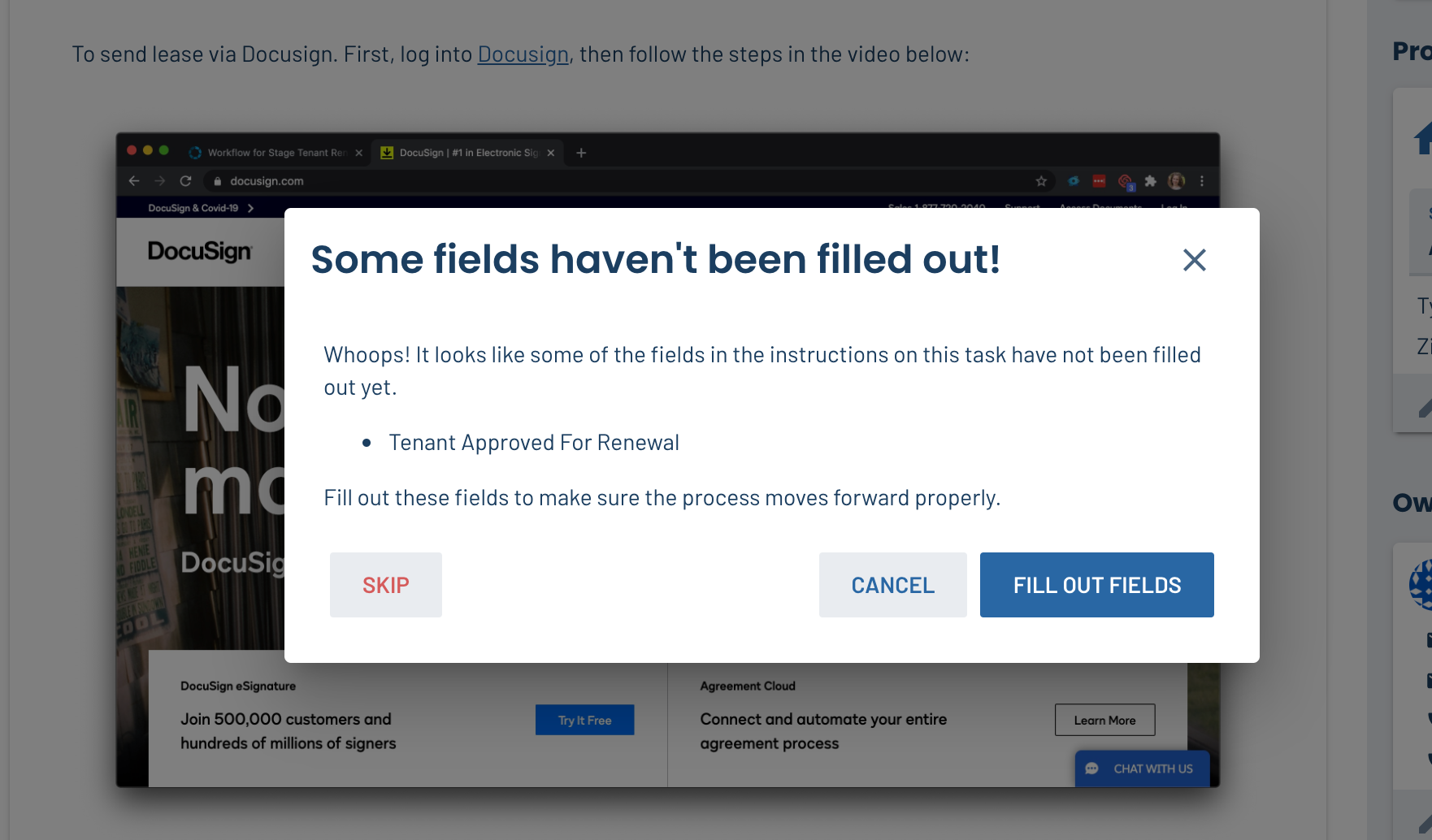
Now, LeadSimple will warn you if you try to complete a task without filling out the data fields in the instructions. This way the process always has the information you need to support conditional logic. Previously, you had to rely on training your team to fill out information at each step of the process, but no more!
Add formatting, lists, images, and more to Notes
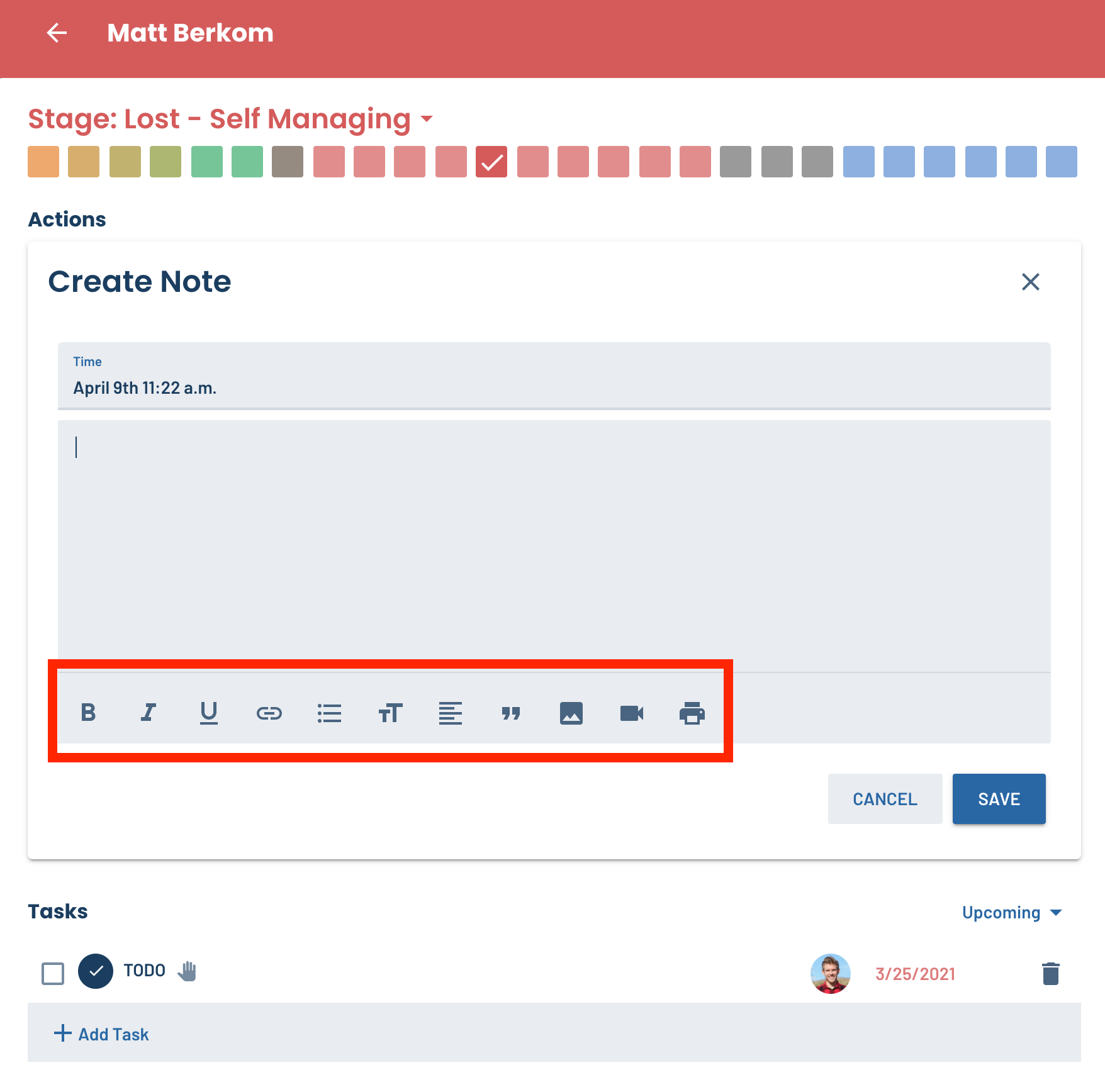
Notes and manual activities on leads and processes can now include more formatting options, such as lists, images, videos, bold/italic text and more.
Collapse or expand Note activities
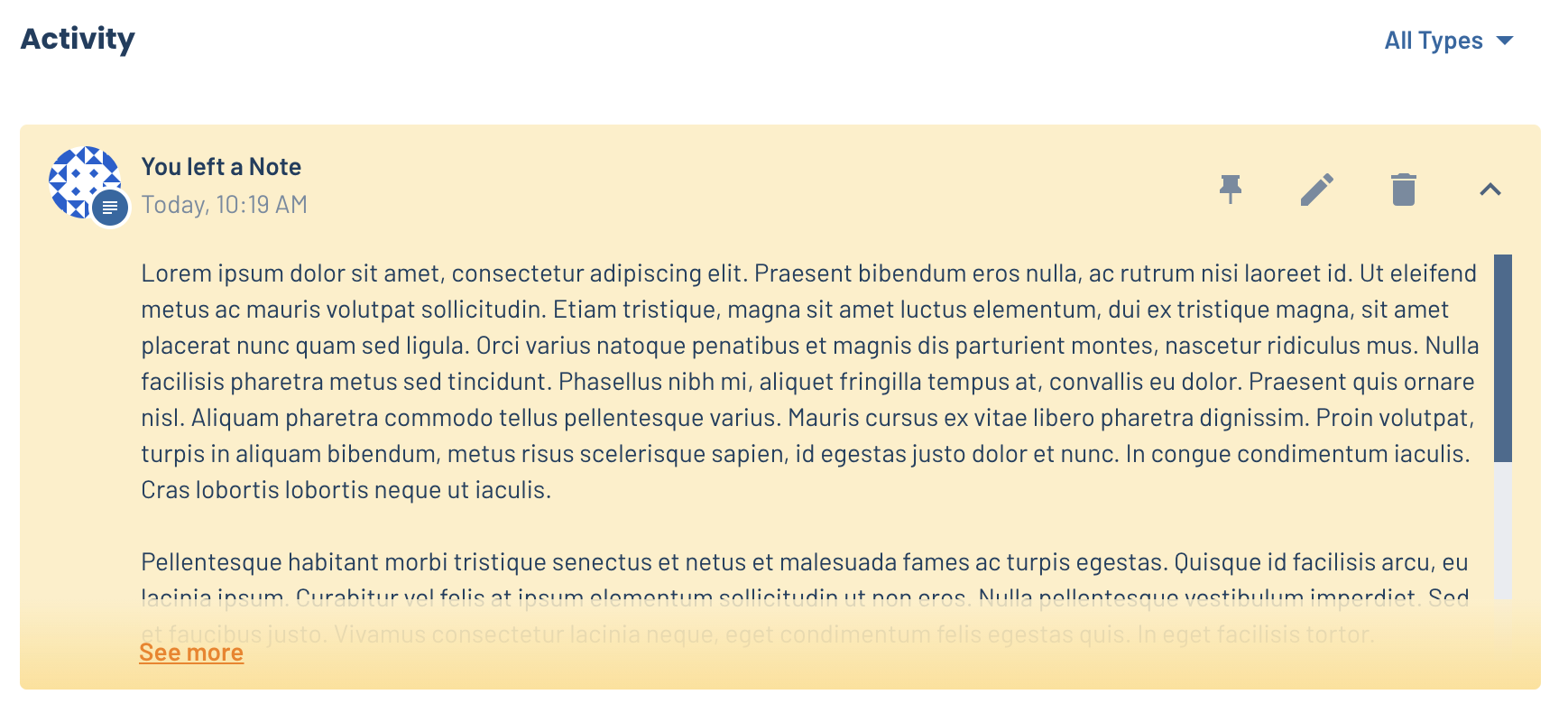
If you write a long Note on a lead or process, the note will now be collapsed by default so it doesn't take up too much space on the page. To read the note, simply click "See More" to expand it.
Track time-to-complete for each type of process
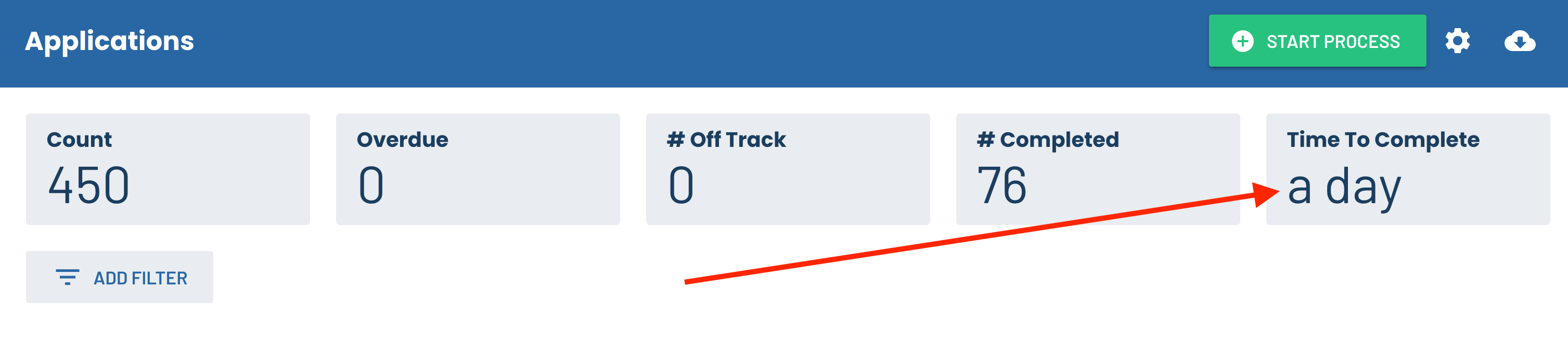
At the top of your process dashboards, the time-to-complete metric will now stay up to date properly. Track how long it's taking you to complete Workorders, Applications, and any other time-sensitive process!
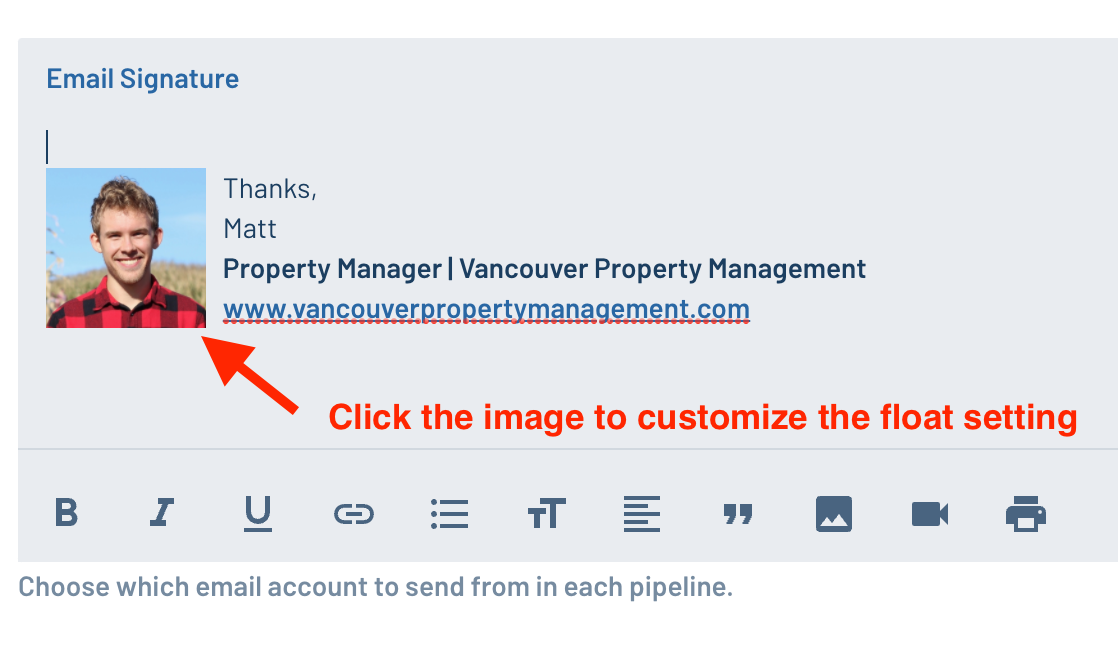
Float images left to create prettier email signatures
You can further customize your email signature by using the new "float" feature on images.
- Go to your profile settings page in LeadSimple (click on your name in the sidebar)
- Add an image of yourself to the "Email Signature" field
- Click the image and select "Left" from the "Float" selector at the bottom of the window that appears

Inbox released for internal Alpha testing
We released the new Inbox module for internal Alpha testing. We're working out the bugs and improving the user experience before launching it to a select list of clients in Q4.
Continued process improvements
We're continuing to add more features and improvements to help you run your lease renewal, onboarding, move in, and all your other operational processes. Keep track of new features by looking at the "What's New" tab in your LeadSimple account!
Thanks for helping us help you run a more efficient, successful business!