Q3 2019 Product Updates
The team has been busy this quarter, and we've got some exciting features to announce! Here's a quick update on what's new.
By Matt Berkompas
If you've been using LeadSimple for a few months, you'll know that we've been pushing out frequent updates and new features to help you do your job better. Today, we're releasing some features that many of you have asked for... for a long time.
Bulk Actions
You can now move, update, reassign, and merge leads in bulk. See this training article for details.
Faster Data Entry
When you're creating a new record, you used to have to tab through all the fields to get to the save button, or switch to using your mouse. This was inefficient if you weren't filling out all the information. Now, when you're ready to save the form, you can type CTRL+Enter to save, without clicking the save button.
Contact Records
For the longest time, if you wanted to record two deals with the same contact, you had to duplicate them in the system. This was because LeadSimple didn't differentiate between the Lead and the Contact who was involved in the deal.
Well, you can say goodbye to the double data entry because Contacts are now a first-class object in LeadSimple. Here's what that means:
Multiple deals with the same contact
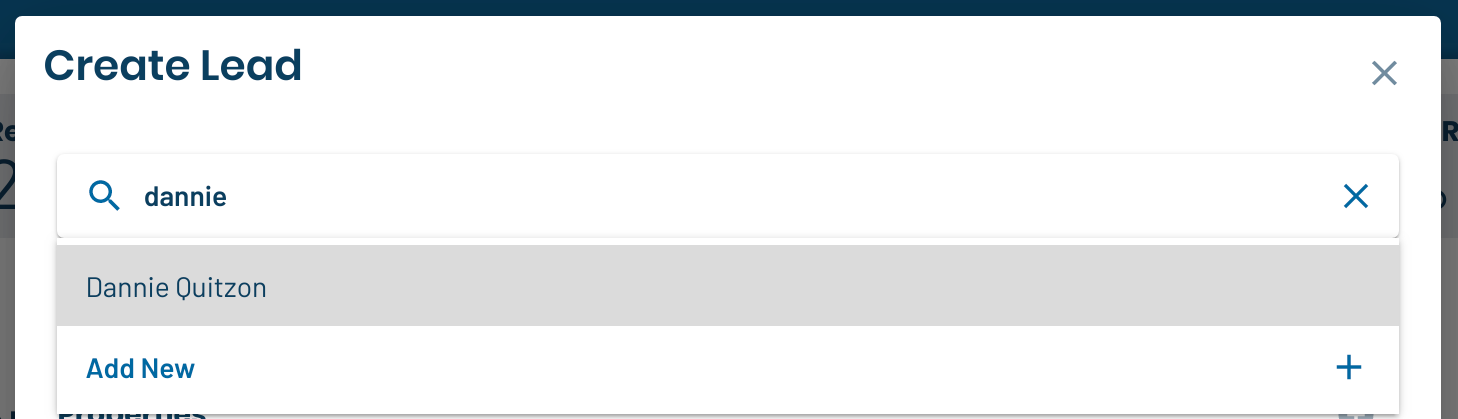
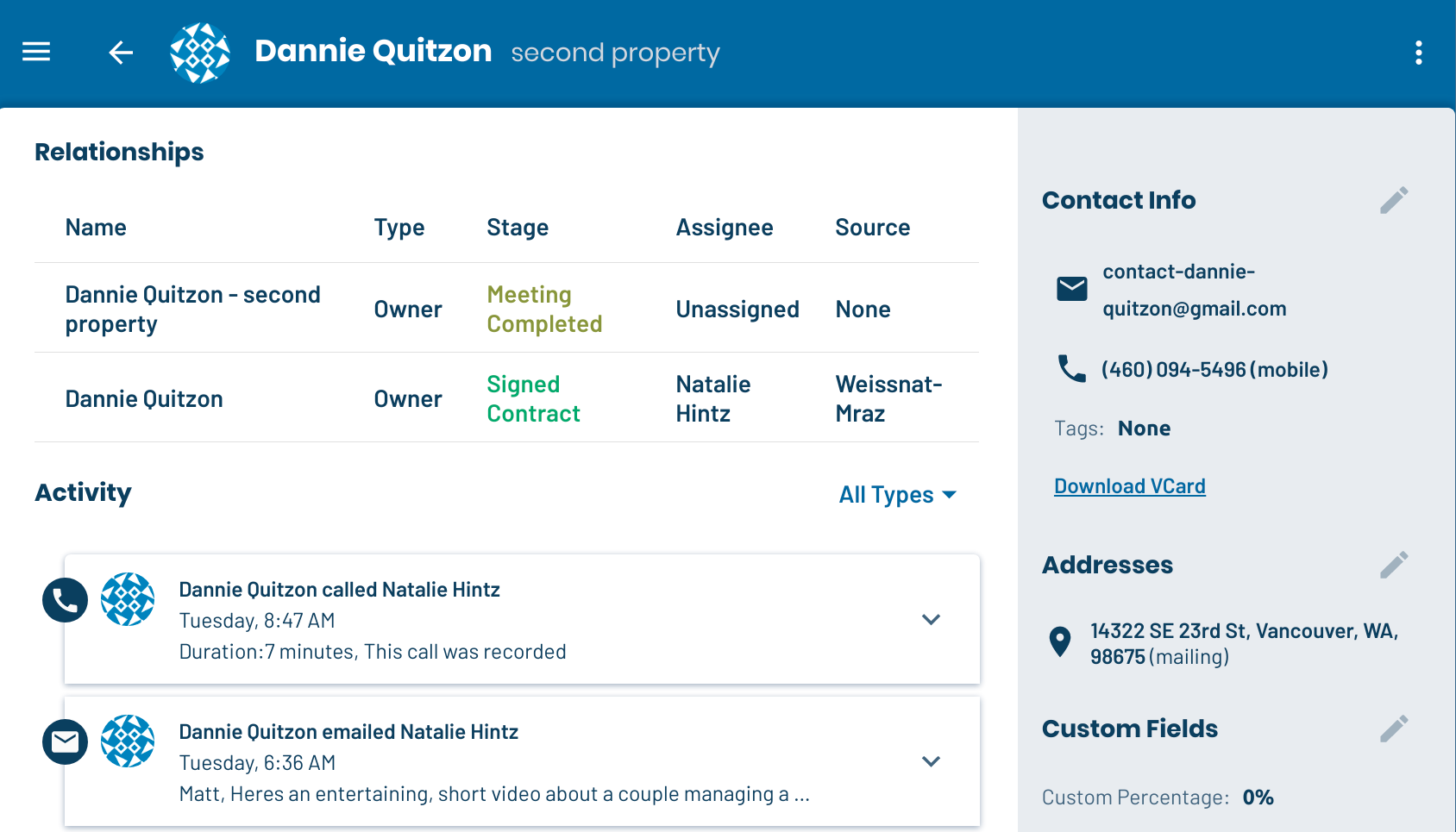
If you managed one of John's properties, and he asked you to manage another, you used to have to enter his information again on a second lead, and there would be no link between the two. Now, you can create a new lead, select John as the contact, and see everything on his shared Contact record:
Tenant buyer programs are another use case. Suppose Frank and Sally are current tenants who are interested in purchasing a property. You can easily create a separate lead type to manage your Buyer leads, and add them to it. You can even do this in bulk:

Contact List
Deals involving multiple contacts
The flip-side to this is that leads can have multiple contacts. So, you can easily add a husband and wife as separate contacts, and keep them both in the loop. This is great for leads involving:
- Spouses
- HOA board members
- Business partners
- etc.
Note: you can keep track of who is the primary point-of-contact by starring them:

A note about duplicates
If you've been using LeadSimple for some time, and have been duplicating contact information across leads, you may see some duplicate contacts in your account. You can merge duplicates from the Contact List, sorting by the name, phone or email columns to find them (see bulk actions). We're working on some tools that will help you safely de-duplicate your list. In the meantime, please reach out to support@leadsimple.com if you'd like us to give you a hand.
Property / Unit Records
The property is where the action is at in property management and real estate, so it was high time that it became a first-class object as well.
Single and multi-unit properties are supported:
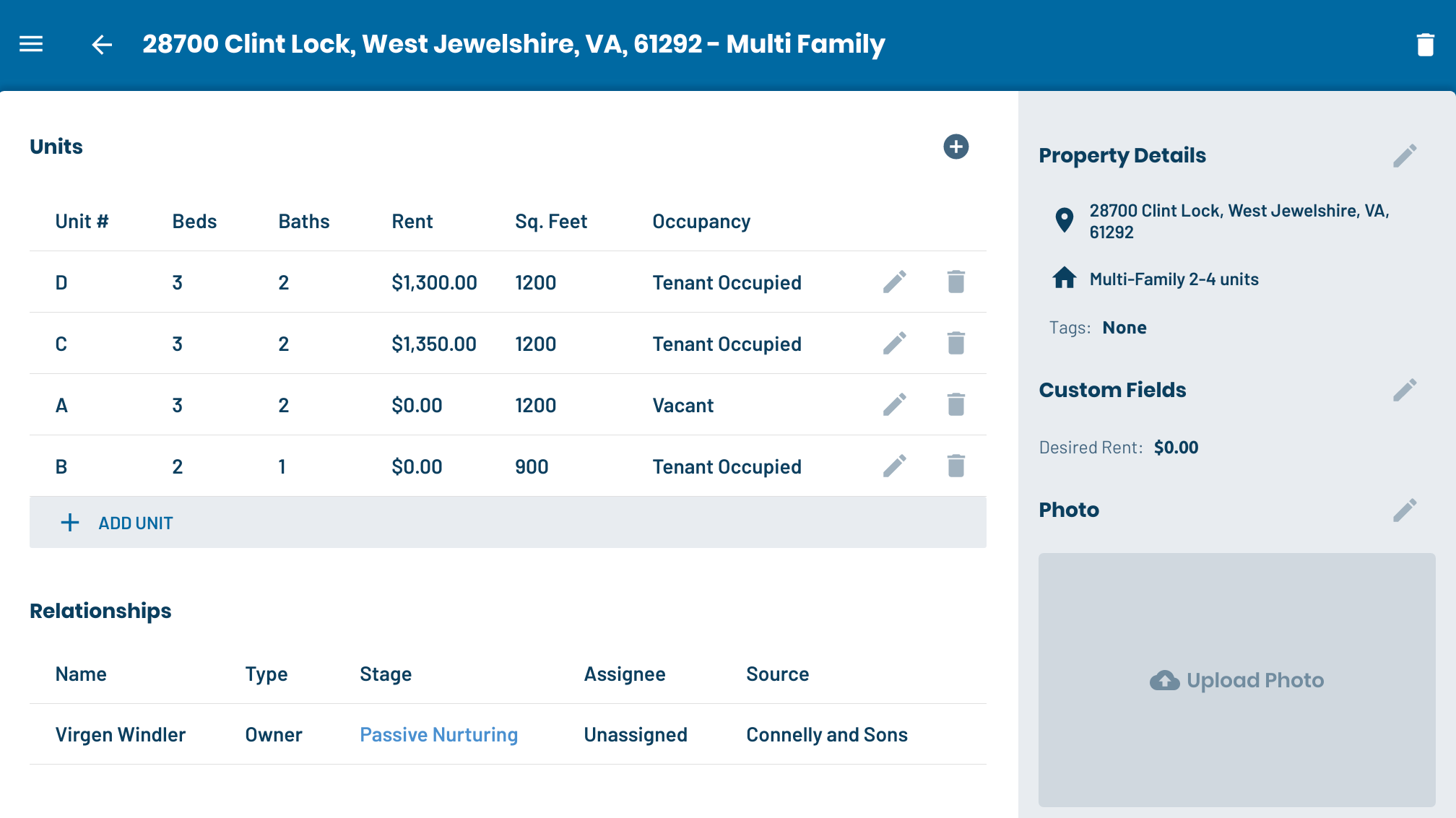
Similar to contacts, this opens up some interesting use cases:
Multiple deals with the same property
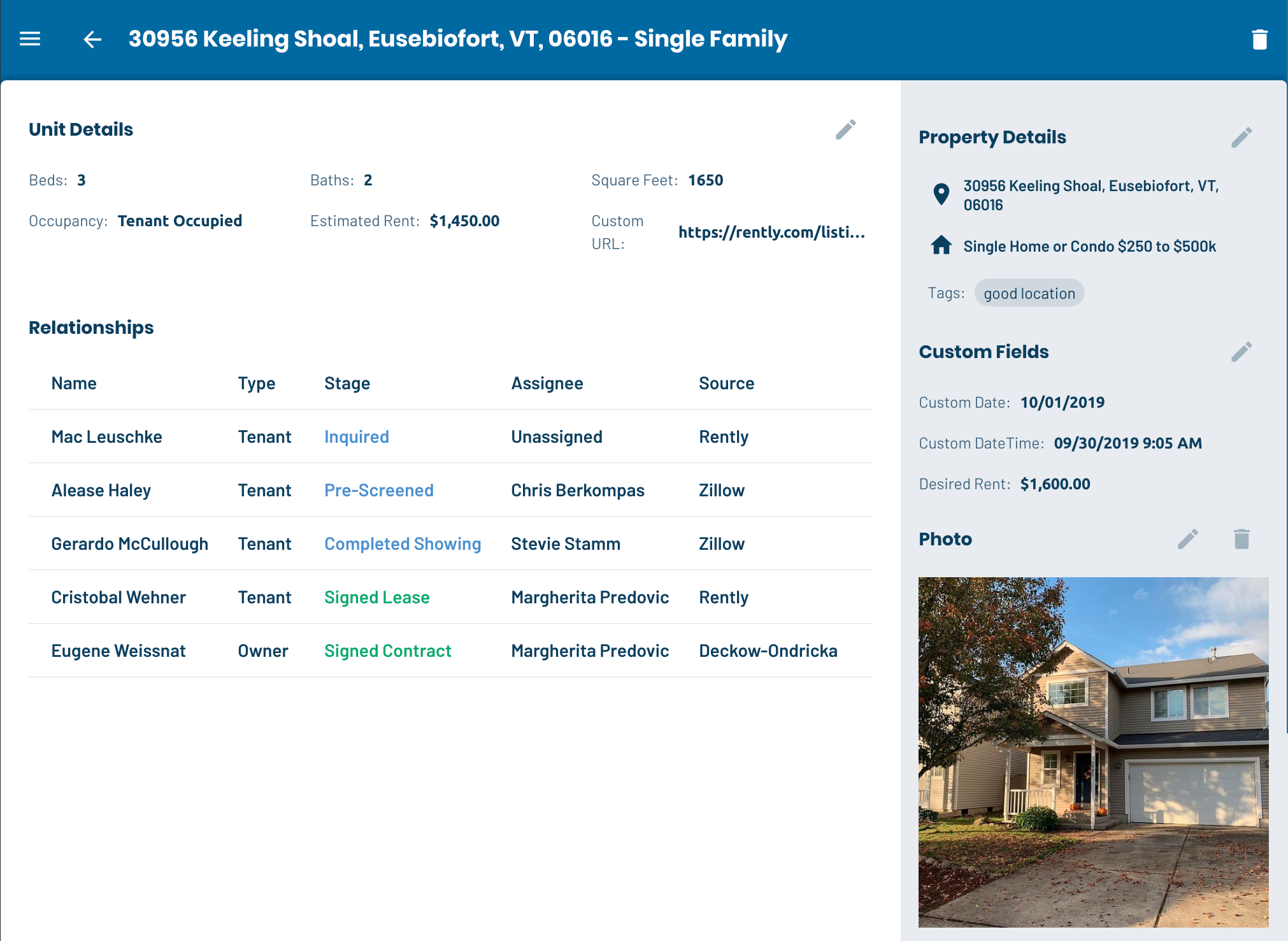
If you're managing Tenant leads in their own lead type, keeping track of leads for a specific property used to be a pain. Now, it's as simple as looking at the Property page, where you can see all the leads linked to a property in one place:
Multiple properties on the same deal
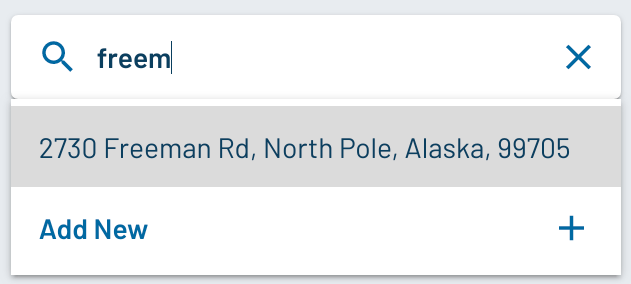
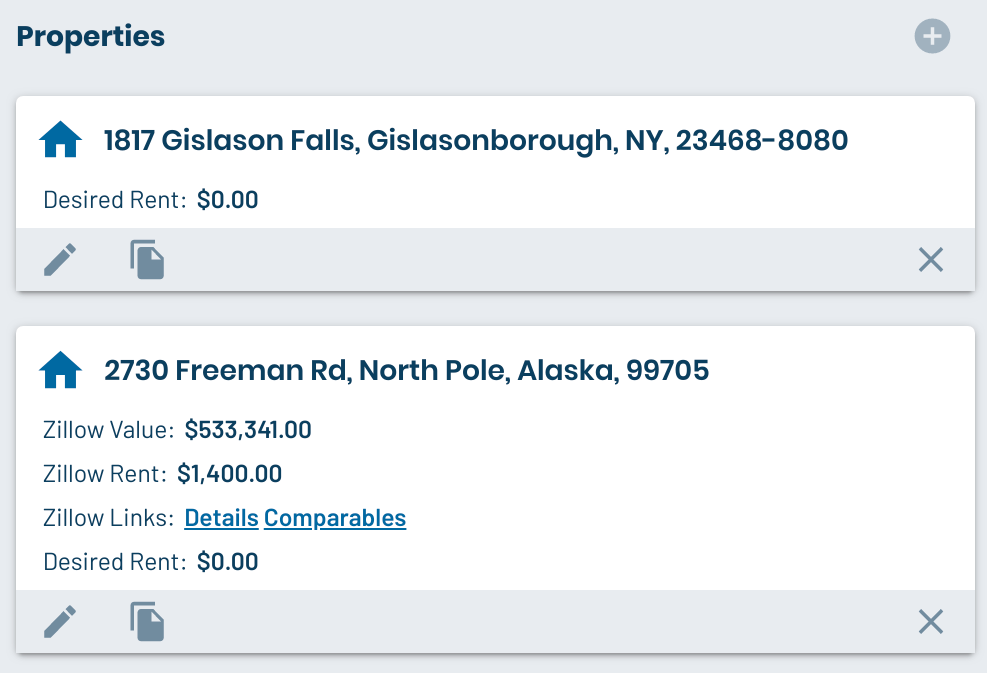
If you're signing an investor with a multi-unit property, or multiple single-unit properties, this is now easy to track:
Lots more to come!
We're just getting started with properties, let us know what you would like to see here!
Search
This release also includes some improvements to the search feature. LeadSimple still searches your leads by default, but you can look up properties and contacts by clicking the tabs in the search results:

You can also use the new search shortcuts, like this:

c:

p:
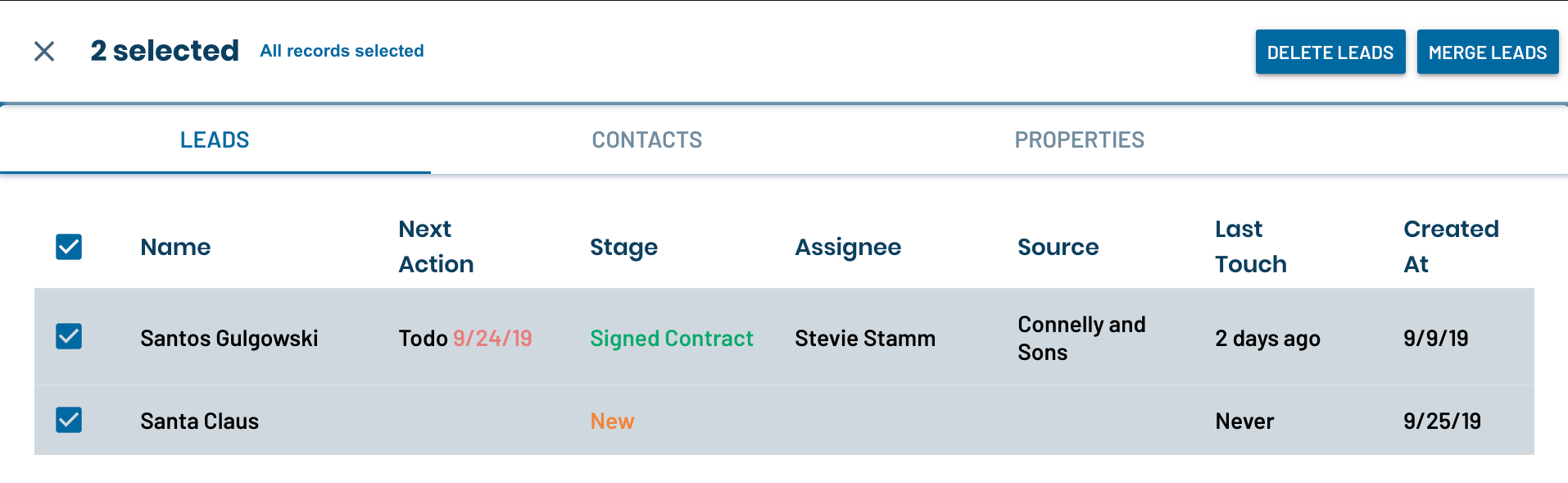
Lastly, you can now merge records from the search results page. So if you know you have three Santa Clauses in the system and want to merge them, just search for him:
Filtering
The new Property and Contact lists both support filters, which LeadSimple remembers the next time you return to the list.
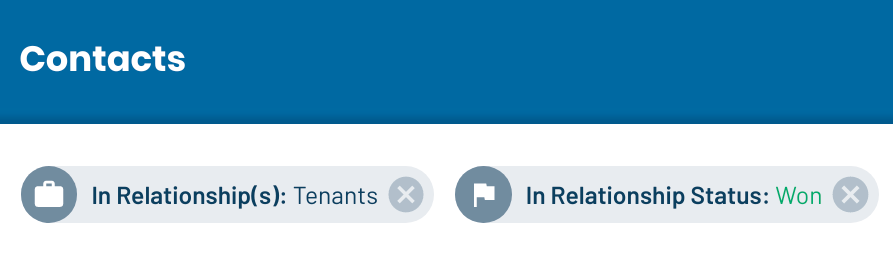
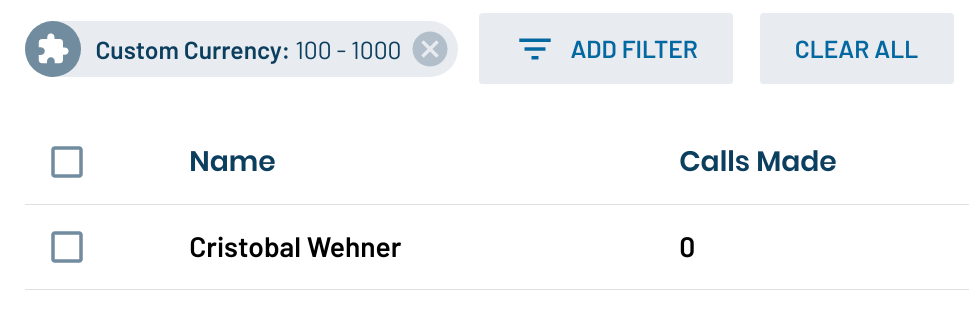
AND, for those of you on our Dominate plan with access to Custom Fields, you can now use them in filters!
Training Documentation
If you'd like more details, we've added a Contacts & Properties section to our Training Docs, which covers how to use these new features.
Upward and onward!
Our ultimate goal is to help you turn cold prospects into raving fans by delivering a great customer experience. We hope this release helps you leverage your client relationships in new ways; let us know what you think!