Find your footing in One
Start with the work you already know. This short orientation helps customers coming from Classic recognize the main areas of One and complete a familiar action: finding a contact. You can learn the rest as your day takes you there.
You’ll learn how to
- Find tasks, conversations, owner leads, and operational work.
- Locate Properties and Contacts under Records.
- Search Contacts and open a matching record.
-
Start with Up Next
Open Up Next for your tasks and conversations waiting on you. Use this as a starting point for deciding which work to open.
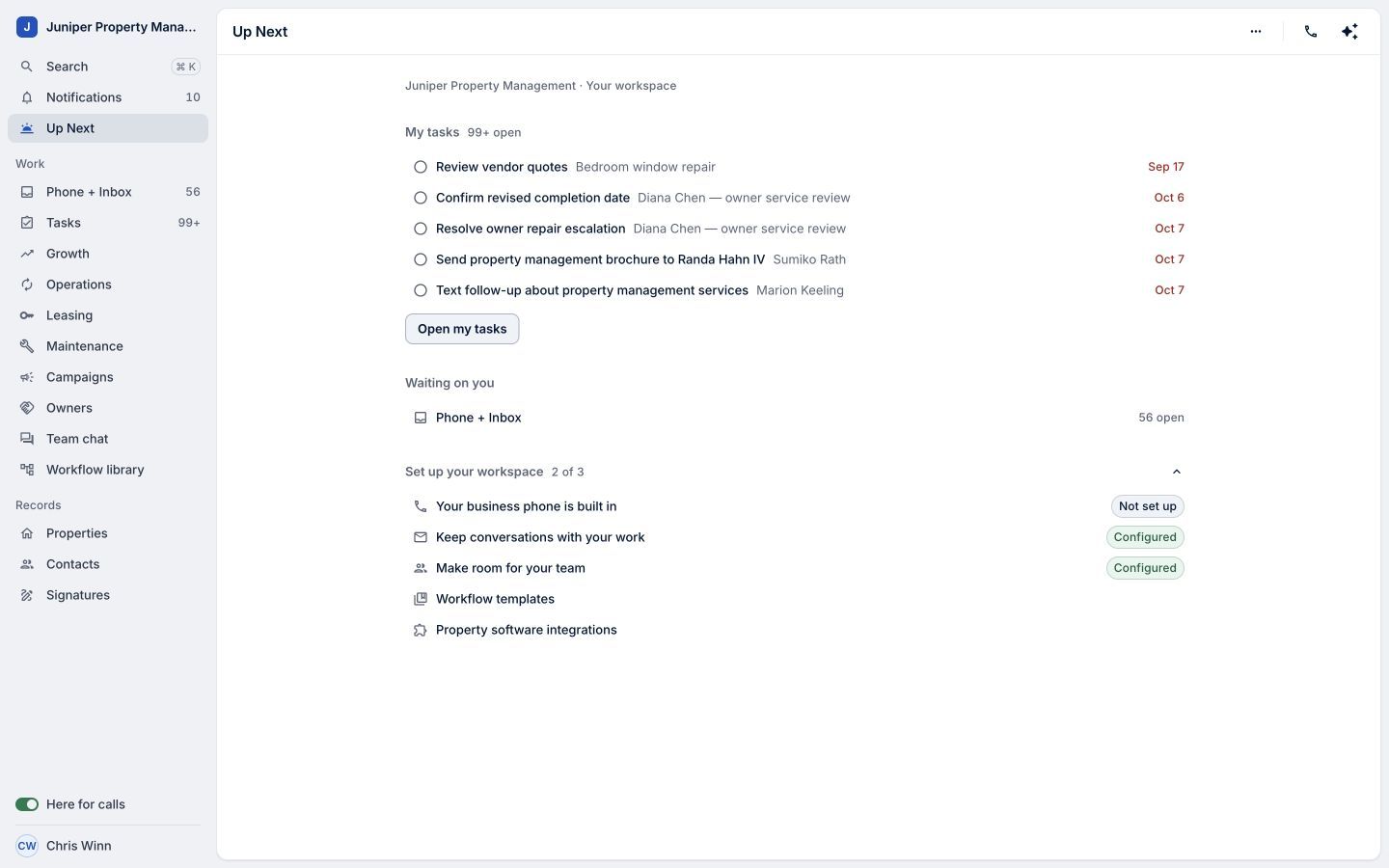
Sample data. Begin with work that needs your attention. Sample data. Select the image to enlarge it. -
Find owner leads in Growth
Choose Growth to see owner leads alongside their next actions, milestones, and responsible people.
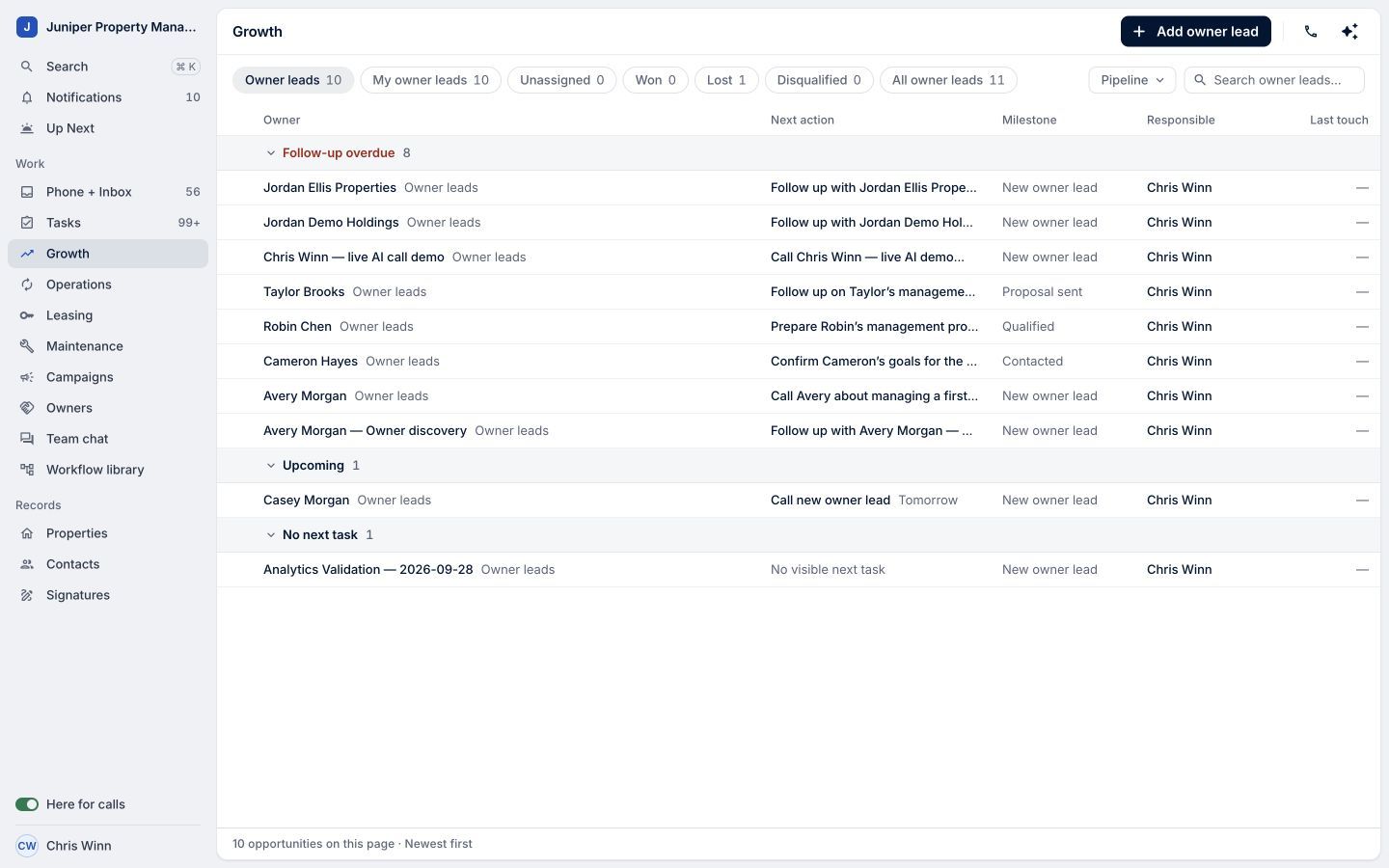
A familiar place to manage the next step in an owner relationship. Sample data. Select the image to enlarge it. -
Find active processes in Operations
Choose Operations to review active work, its next action, and who is responsible. The Needs attention view helps narrow your review.
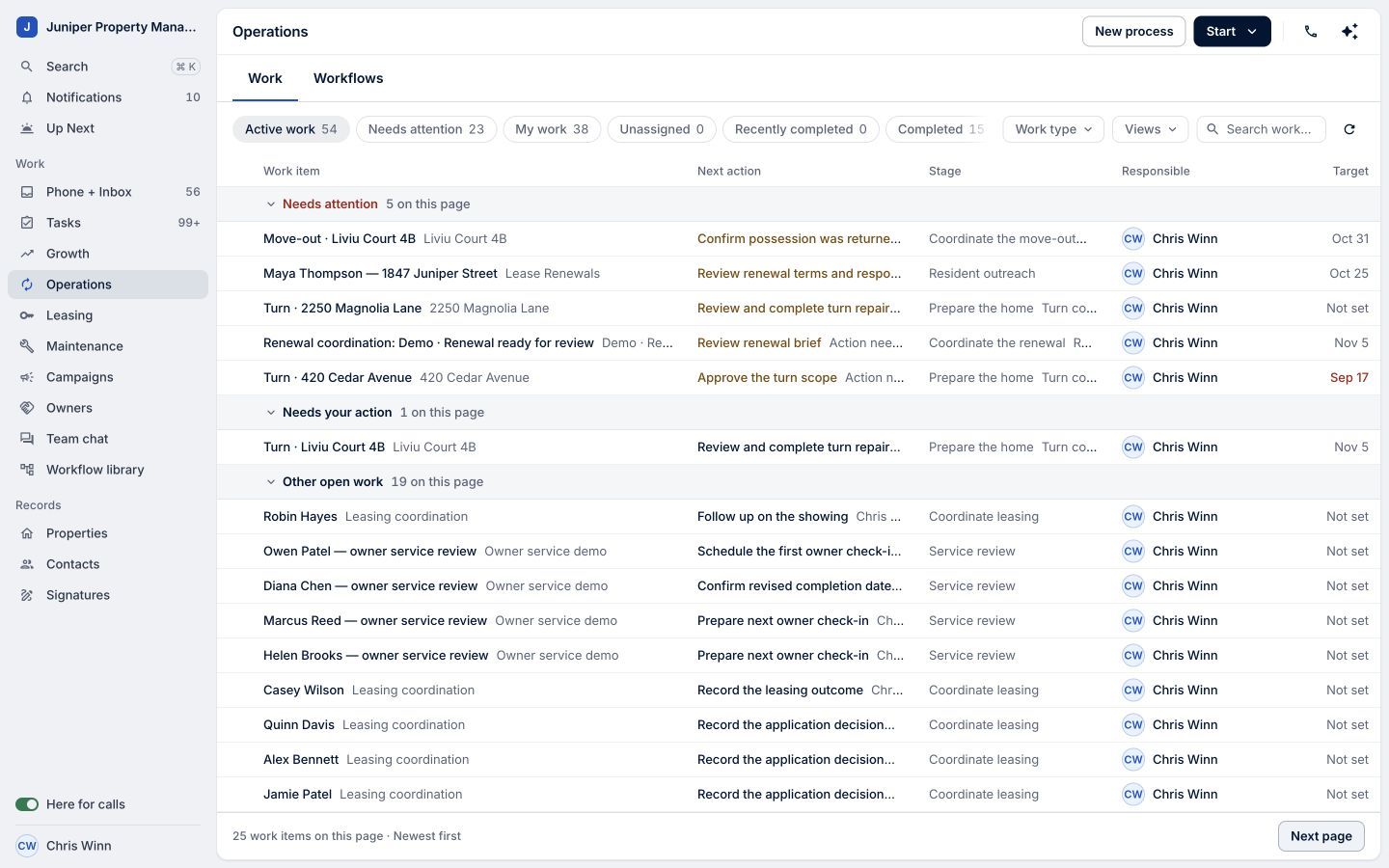
See where operational work stands. Sample data. Select the image to enlarge it. -
Open Phone + Inbox
Choose Phone + Inbox for conversations. Its navigation also includes Call history and Voicemail. Open the area you need for the communication you are handling.
-
Find a contact
Under Records, open Contacts. Search for a name and select the matching result. In the demo, searching Casey Morgan returns the fictional contact created for this series.
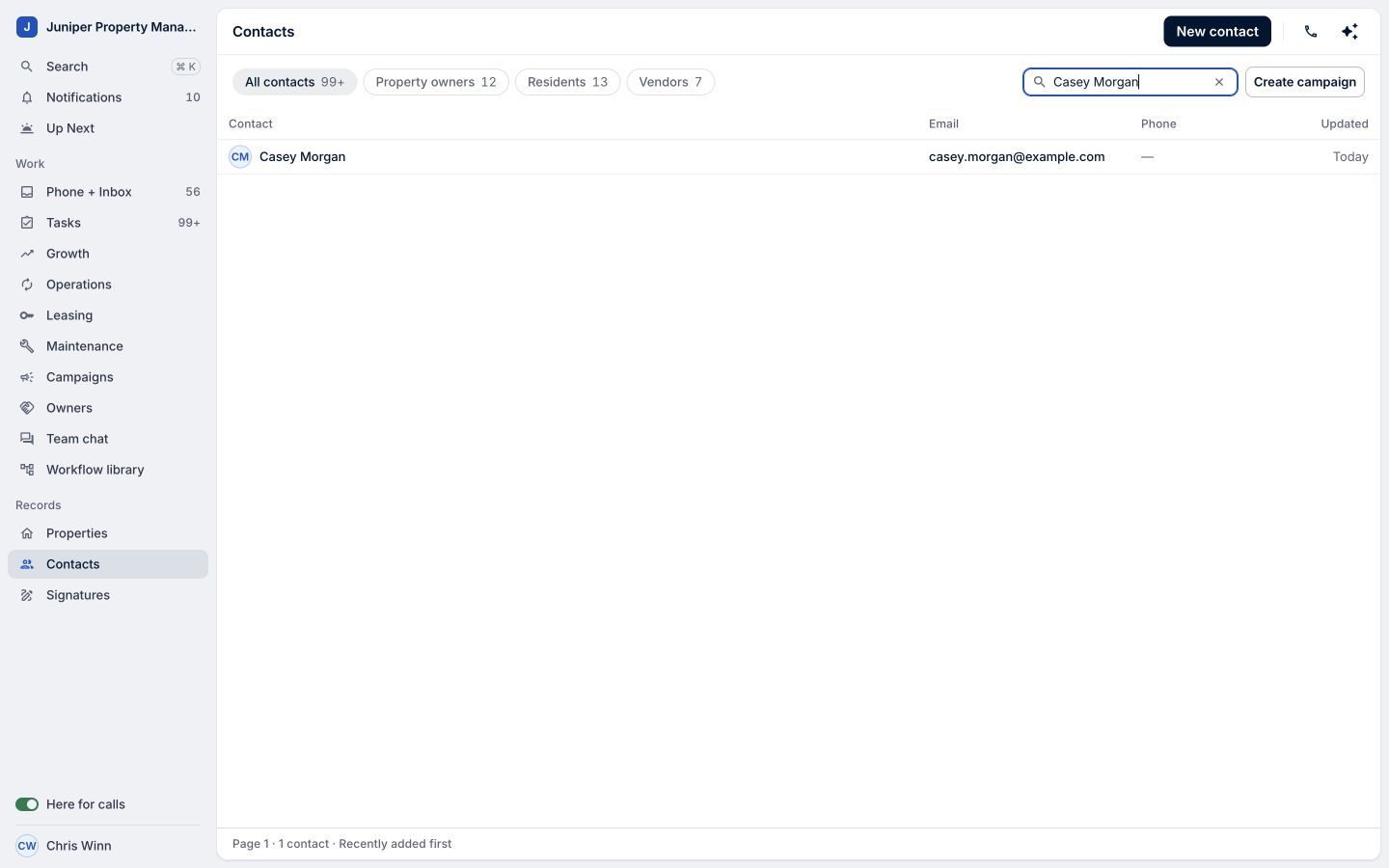
Search within Contacts to find the person. Sample data. Select the image to enlarge it. -
Open the record
Open the result to see contact details and related open work. Start with a person or piece of work you recognize, then build familiarity from there.
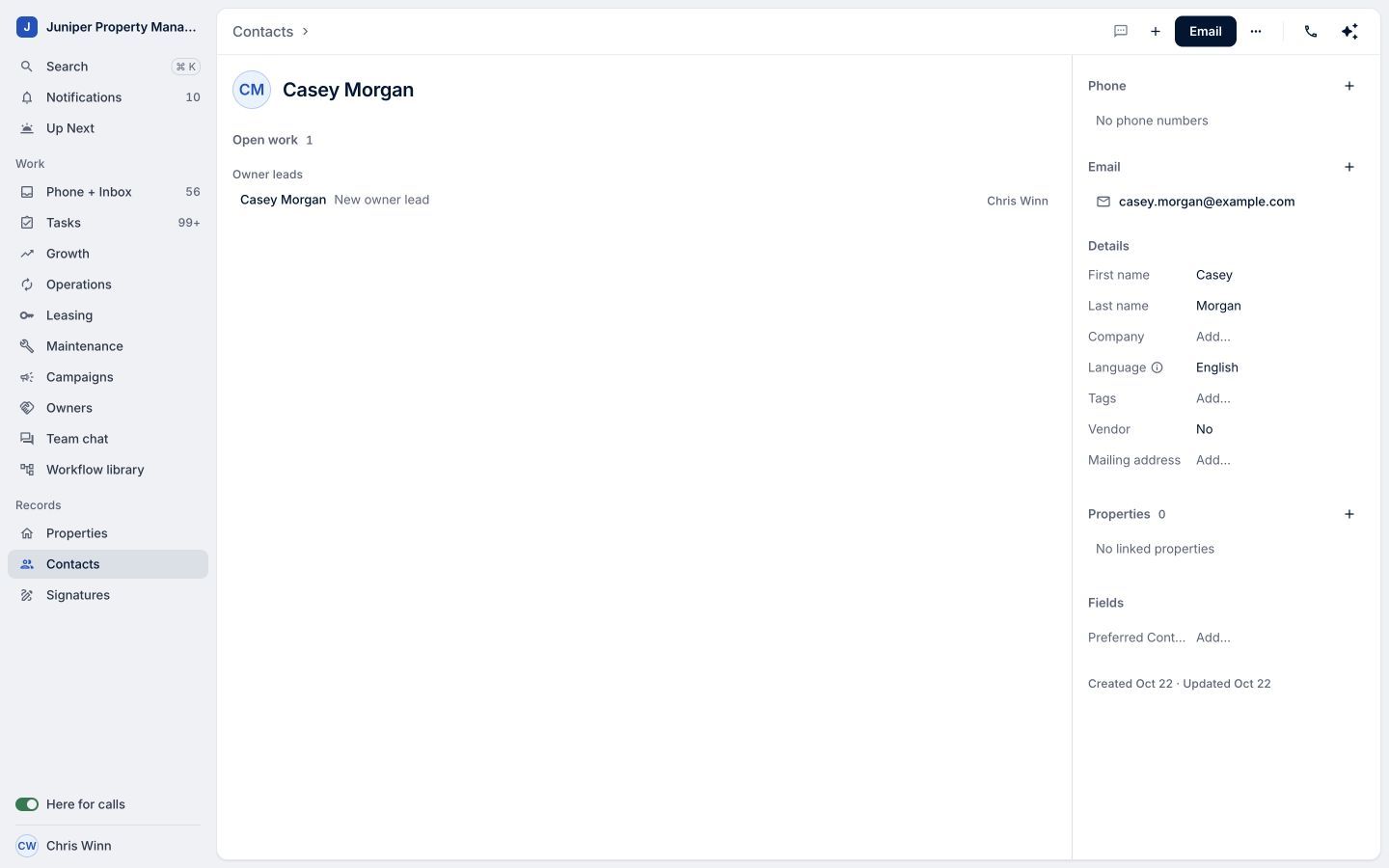
A familiar action completed in One. Sample data. Select the image to enlarge it.
Video transcript
Coming from LeadSimple Classic? Here's where to find your footing in One. Start with Up Next to see your tasks and conversations waiting on you. Growth brings owner leads and their next actions into view. Operations shows active processes, who is responsible, and what needs attention. Open Phone and Inbox for conversations, call history, and voicemail. Under Records, you'll find Properties and Contacts. In Contacts, search for a name and open the record to see the details. You don't have to learn every corner at once. Start with familiar work, and build your rhythm in One.
Start with familiar work, and build your rhythm in One.
Try it in your own workspace, review the result, and bring your team along.