Learn LeadSimple
Small lessons.
Lasting know-how.
Short videos and step-by-step guides for the work you do every day.
All lessons
10 lessons 0:45
0:45Newest lesson
Prepare an outbound AI discovery call
Prepare an eligible lead call task for AI discovery, review the recipient and consent details, and keep human judgment in the follow-up.
 0:45
0:45Getting started
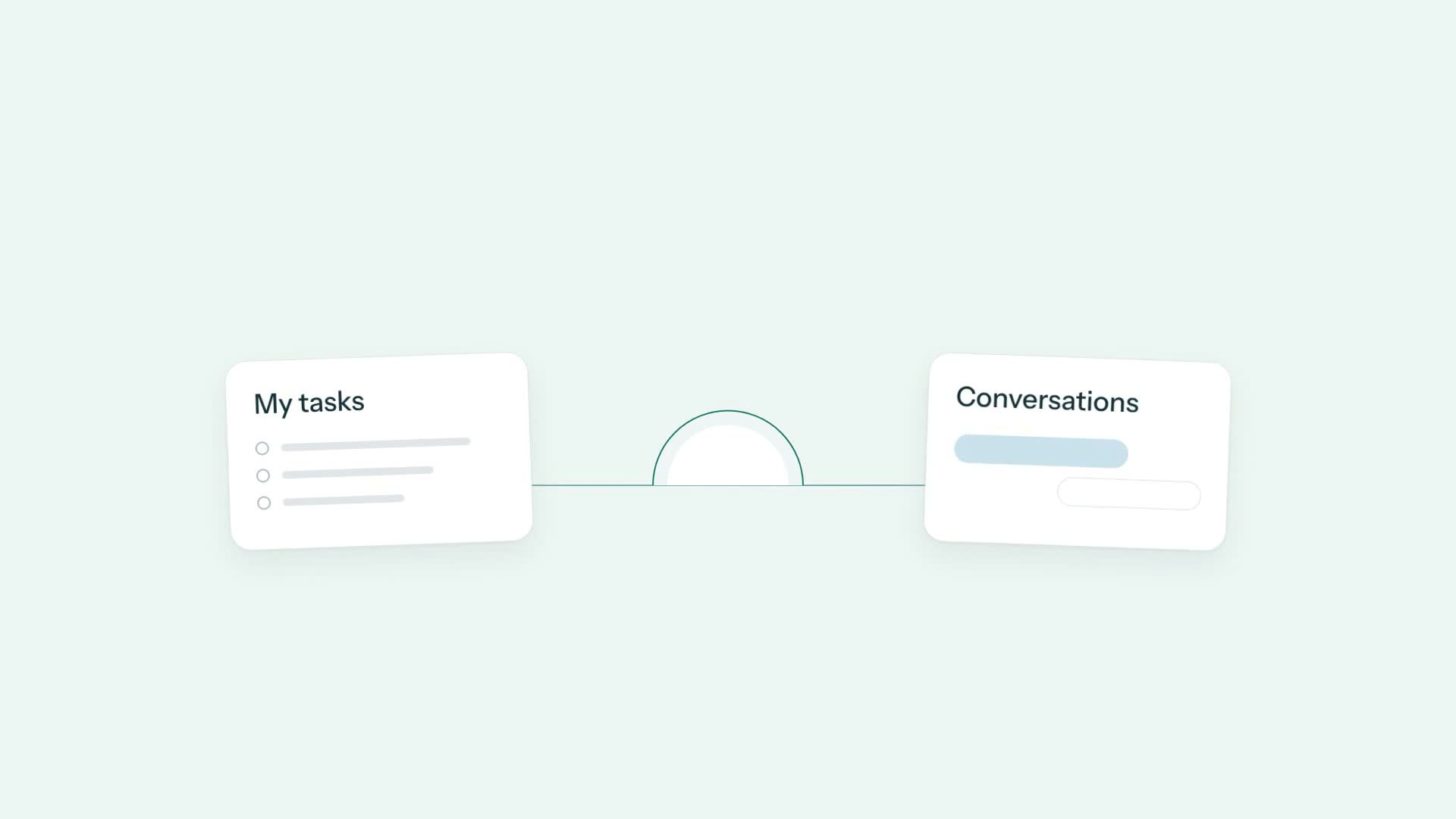
Start your day with Up Next
Use Up Next as a starting point for tasks and conversations, then follow a task into the work and context behind it.
 0:45
0:45Workflows
Find operational work that needs attention
Use Operations to find missed targets, narrow your view, and understand the next action before moving work forward.
 0:45
0:45Phone & inbox
See the full story before you reply
Review the people, property, and workflow linked to a conversation before drafting a clear reply.
 0:45
0:45Phone & inbox
Keep follow-ups from slipping away
Snooze a conversation until a useful follow-up time, then find it in the Snoozed queue.
 0:45
0:45Phone & inbox
Hand off a conversation with context
Save an internal note and assign a conversation owner so your teammate has the context and the next step.
 0:45
0:45Phone & inbox
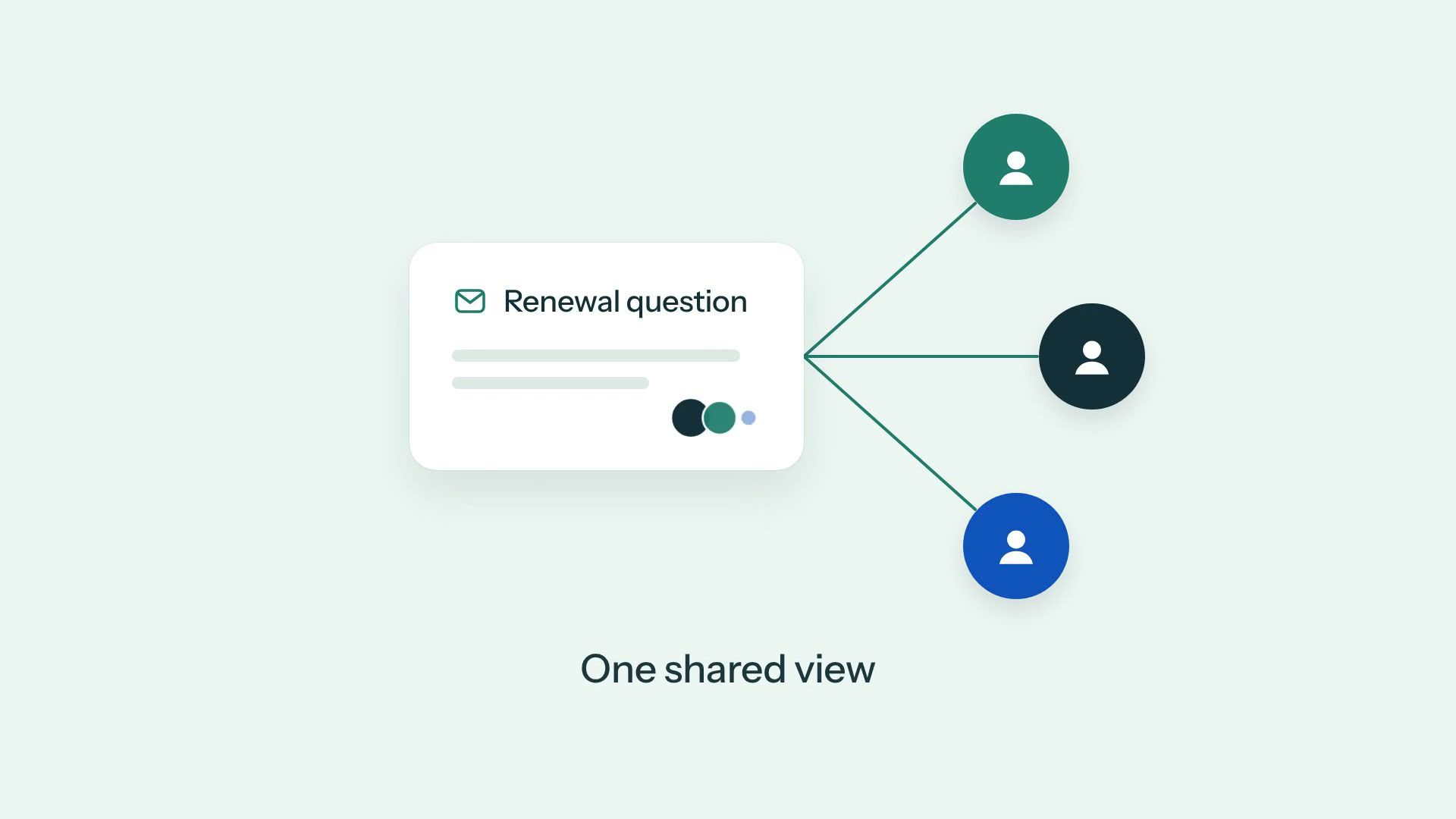
Share an inbox with your team
Give your team a shared view of requests, conversation context, and mailbox access in LeadSimple One.
 0:45
0:45AI assistant
Give LeadSimple AI a task
Assign a clearly scoped task to LeadSimple AI, follow its plan, and review the result before approving completion.
 0:49
0:49Reporting
See owner service gaps early
Use connected communication and workflow data to spot owner service gaps, inspect overdue work, and prepare a clear update.
 0:53
0:53Workflows
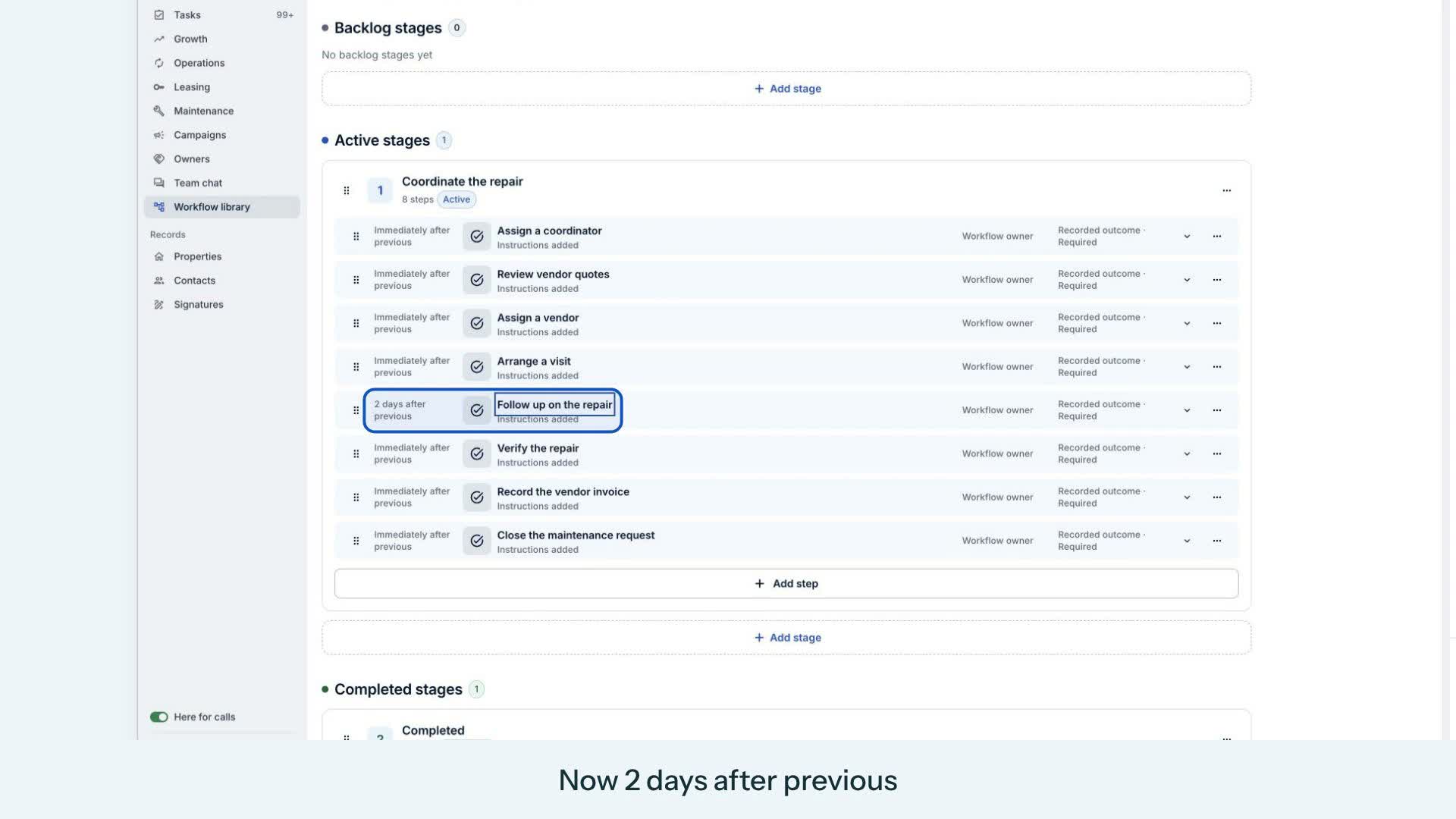
Make a workflow your own with AI
Start with a built-in maintenance workflow. Use the AI assistant to adjust a follow-up, review the change, and put it to work.